
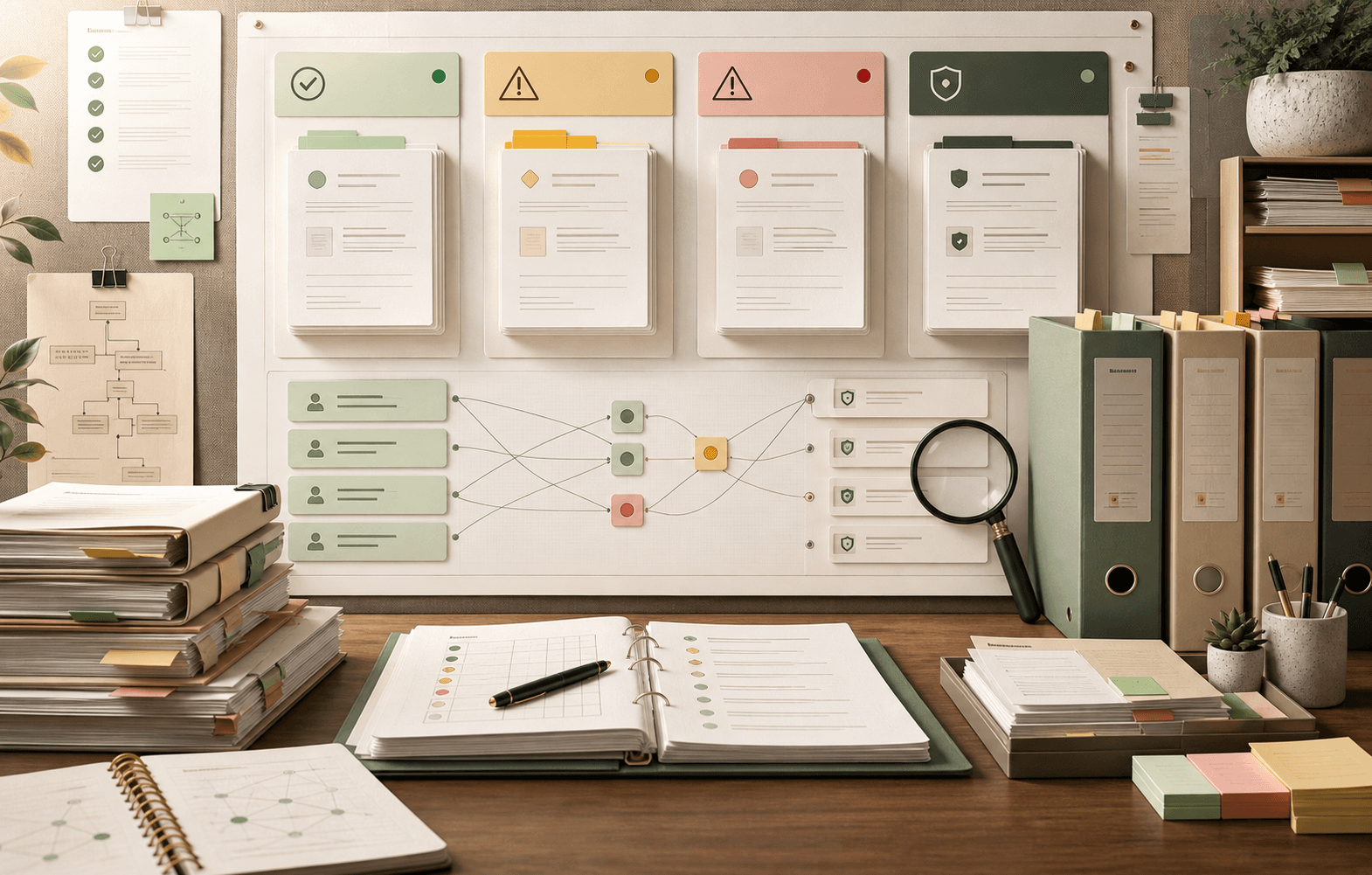
Documentation checklist
AI-Ready Support Documentation Checklist: Audit Before Launch
A documentation checklist to audit help docs, macros, SOPs, and policies for decay, conflict, and safe AI launch scope.
Support Readiness Lead, Meihaku · May 11, 2026
AI-ready support documentation is not about perfect grammar or complete coverage. It is about whether the sources an AI agent will retrieve are current, consistent, customer-safe, and scoped to the right launch boundary.
This checklist turns documentation-decay review into an operational audit. Each item maps to a launch decision: approved, restricted, blocked, source-fix-needed, or human-only.
Use it before launching Intercom Fin, Zendesk AI, Gorgias AI, Freshdesk Freddy AI, Salesforce Agentforce, HubSpot Customer Agent, Kustomer AI, Help Scout AI Answers, or any custom support agent.
What this helps decide
Turn AI-Ready Documentation Checklist into launch scope.
Use this guide to decide which customer intents are approved for AI, which need restrictions, which need source cleanup, and which should stay human-owned.
Evidence used
Sources, policies, and support artifacts
- HappySupport: knowledge base AI readiness audit
- Zendesk: preparing your help center for generative AI
- Help.center: AI knowledge support article
Review output
Approve, restrict, block, or hand off
- Article audit
- Macro and SOP audit
- Conflict and decay audit
How this guide was built
3 public references, 6 review areas
- Help center articles: current, focused, and customer-safe
- Macros and canned responses: check for drift and conflict
- SOPs and internal policies: separate customer-safe from internal-only
Help center articles: current, focused, and customer-safe
Every help article the AI may retrieve should pass four checks. Is it current against the latest product, pricing, policy, or workflow change? Is it focused on one primary customer intent rather than bundling setup, billing, troubleshooting, and exceptions into one page? Does it include material conditions such as plan, region, timing, or eligibility? And is the language customer-safe, with no internal-only workarounds or confidential notes?
Stale articles are launch blockers because AI agents treat retrieved text as operational truth. An outdated refund window or old plan name becomes a confident wrong answer.
- Last-reviewed date is after the most recent product or policy change.
- One article maps to one primary customer intent where possible.
- Material conditions are explicit, not buried in footnotes.
- No internal-only notes, Slack links, or confidential workaround steps.
Macros and canned responses: check for drift and conflict
Macros decay faster than help articles because agents edit them for live tickets. A macro may promise a credit, refund, or escalation path that the public help center does not support. When the AI blends both sources, the result can contradict policy.
Audit every high-volume macro against its canonical help article or policy. If they disagree, mark the intent as blocked until the policy owner chooses the customer-safe answer.
- Compare macros against help articles and SOPs for contradictions.
- Remove or archive temporary incident macros that became stale.
- Flag refund, credit, cancellation, and exception macros as high-risk.
- Assign a macro owner and review date for each launch intent.
SOPs and internal policies: separate customer-safe from internal-only
Private SOPs often contain the real workflow: who can approve an exception, when to escalate, which tier gets a workaround, and what needs legal or compliance review. AI readiness means deciding which SOP instructions are safe to expose and which must stay internal.
If the SOP is the only source for a critical exception, the customer-facing answer needs explicit approval before the AI uses it. Do not let the AI synthesize internal guidance into a customer-facing promise.
- Tag SOP sections as customer-safe or internal-only.
- Require manager or compliance approval before internal exceptions become AI answers.
- Document handoff rules for fraud, privacy, account-control, and legal workflows.
- Retest affected intents after every SOP change.
Public/private source conflict: the highest-risk audit finding
The most dangerous documentation gap is when public help articles and private sources disagree. A customer may see one answer in the help center while agents follow a different SOP or macro. The AI can retrieve both and blend them into a single, confident contradiction.
Treat public/private conflict as a launch blocker. The audit should produce a conflict table: customer intent, conflicting source A, conflicting source B, policy owner, decision deadline, and retest trigger.
- Map each customer intent to all sources that mention it.
- Flag contradictions in refund, billing, privacy, account, shipping, and warranty topics.
- Require a canonical source owner to resolve each conflict.
- Block the intent until the conflict is resolved and retested.
Documentation decay: find stale sources before the AI does
Documentation decay happens when support knowledge stops matching the product, policy, or real customer workflow. Humans work around it with memory. AI agents turn it into confident wrong answers.
Decay signals include old screenshots, retired product names, outdated pricing, missing eligibility windows, policy windows that changed after publication, and articles with no owner or review date.
- List articles last changed before the latest product or policy update.
- Check translated articles against the canonical source for lag.
- Archive or rewrite broad articles that cover too many intents.
- Assign source owners and review cadence before launch.
Turn the checklist into a source-fix backlog
The audit is only useful if it becomes work. The source-fix backlog translates checklist findings into article updates, macro rewrites, SOP changes, owner review, and vendor test reruns.
Sort the backlog by launch impact, not document count. A single refund contradiction matters more than twenty low-risk stale screenshots.
- Fix missing answers for high-volume intents first.
- Resolve contradictions in refund, billing, privacy, and account policies.
- Rewrite internal-only notes into customer-safe language.
- Add handoff rules for unsupported or account-specific cases.
Checklist
Use this as the working review before launch.
Article audit
- Every launch intent has a current, focused, customer-safe article.
- Material conditions are explicit and up to date.
- No internal-only notes or confidential workarounds are exposed.
- Translated articles match the canonical source.
Macro and SOP audit
- High-volume macros match the canonical help article or policy.
- Internal-only SOP guidance is tagged and excluded from AI answers.
- Exception workflows have explicit approval and handoff rules.
- Temporary incident macros are archived or refreshed.
Conflict and decay audit
- Public/private source conflicts are mapped and assigned.
- Stale articles, screenshots, and pricing are flagged.
- Source owners and review dates are documented.
- Source-fix backlog is sorted by launch impact.
How Meihaku helps
Turn the checklist into a launch audit.
Meihaku reads your sources, maps them to customer intents, drafts cited answers, and shows which topics are cleared for AI, blocked, source-fix needed, or human-only.
Related guides
Keep clearing answers before launch.
These pages connect testing, knowledge-base cleanup, and readiness scoring into one pre-launch workflow.
Zendesk AI readiness
Zendesk AI Readiness Audit
Audit Zendesk Guide, macros, ticket history, and policy documents before Zendesk AI answers customers.
Vendor pageIntercom Fin readiness
Intercom Fin Readiness Audit
Audit your Intercom Fin rollout before customers see it. See which intents are cleared for Fin, which need source cleanup, and which should stay human-only.
Vendor pageGorgias AI readiness
Gorgias AI Readiness Audit
Audit your Gorgias AI rollout before it handles refund, order, shipping, and product questions.
Vendor pageFreshdesk AI readiness
Freshdesk Freddy AI readiness audit
Use this readiness workflow to check whether Freshdesk solution articles, ticket patterns, Freddy AI Agent knowledge sources, and workflows can safely support AI answers.
Vendor pageSalesforce AI readiness
Salesforce Service Cloud AI readiness audit
Use this readiness workflow to check whether Salesforce Knowledge, Service Cloud cases, Agentforce actions, and support policies are safe for customer-facing AI.
Vendor pageHubSpot Customer Agent readiness
HubSpot Customer Agent readiness audit
Use this readiness workflow to check whether HubSpot content, public URLs, tickets, and Service Hub knowledge are ready to ground Breeze-powered customer agent answers.
Vendor pageGoogle Docs readiness
Meihaku for Google Docs
Use Meihaku to audit support policies, SOPs, macros, and FAQ documents stored in Google Drive before an AI support agent relies on them.
Vendor pageNotion readiness
Notion support knowledge readiness audit
Use this readiness workflow when support policies, SOPs, FAQs, release notes, and escalation guidance live in Notion before AI support launch.
Vendor pageConfluence readiness
Confluence support knowledge readiness audit
Use this readiness workflow when support policies, troubleshooting articles, SOPs, and internal knowledge base spaces live in Confluence.
Vendor pageAI support readiness template
AI support launch checklist
A vendor-neutral CSV checklist for deciding which customer intents are approved, restricted, blocked, or human-only before an AI support agent goes live.
TemplateAI agent testing template
AI agent testing framework
A vendor-neutral CSV template for testing customer-facing AI agents by intent, source evidence, policy fit, escalation behavior, reviewer workflow, and launch state.
TemplateAI support risk template
AI support risk register
A CSV risk register for support teams deciding which insurance, telehealth, ecommerce, and cross-industry customer intents can safely be automated.
TemplateZendesk AI checklist
Zendesk macro audit
A checklist for turning Zendesk Guide, shared macros, ticket patterns, and internal policies into approved, restricted, blocked, and source-fix decisions.
TemplateKnowledge-base audit
Knowledge Base AI Readiness Audit
A step-by-step AI knowledge base audit for finding stale articles, policy conflicts, missing intents, weak citations, and unsafe automation scope.
ReadDocumentation decay
Documentation Decay
A documentation decay guide for AI support launches, focused on stale sources, policy drift, translation lag, macro conflicts, and safe automation scope.
ReadPolicy conflict audit
Macro vs Help Center Audit
A policy conflict audit to compare macros, help docs, and SOPs and find contradictions that become AI wrong answers.
ReadHelp center scorecard
Help Center Readiness Scorecard
A scanner scorecard to grade help center pages for AI readiness across coverage, decay, conflict, and safe automation scope.
ReadAudit template
Chatbot Knowledge Base Audit
An audit-report template for grading and exporting a chatbot knowledge base audit with launch scope decisions and source-fix backlog.
ReadAI support readiness score
AI Support Readiness Score Methodology
A practical scoring method for support teams deciding whether their knowledge base, policies, tests, and handoff rules are ready for customer-facing AI.
ReadAI support risk register
AI Support Risk Register
A support-specific guide to using a risk register before AI agents answer insurance, telehealth, ecommerce, and other sensitive customer questions.
ReadFAQ
Common questions
What is an AI-ready support documentation checklist?
It is an operational audit that checks whether help articles, macros, SOPs, and policies are current, consistent, customer-safe, and scoped before an AI support agent uses them to answer customers.
How often should the documentation checklist be rerun?
Rerun it before launch, after product or policy changes, after source edits, and after wrong-answer incidents. High-risk intents should be reviewed more frequently than low-risk informational topics.
What happens if public and private sources conflict?
Treat the conflict as a launch blocker. Map the contradiction, assign a canonical source owner, and block the intent until the customer-safe answer is chosen and retested.
How does Meihaku use this checklist?
Meihaku maps customer intents to articles, macros, SOPs, and policies, then flags stale, missing, conflicting, or internal-only sources so the checklist becomes a launch decision rather than a manual spreadsheet.
Sources
Vendor documentation and public references that ground the claims in this guide.