
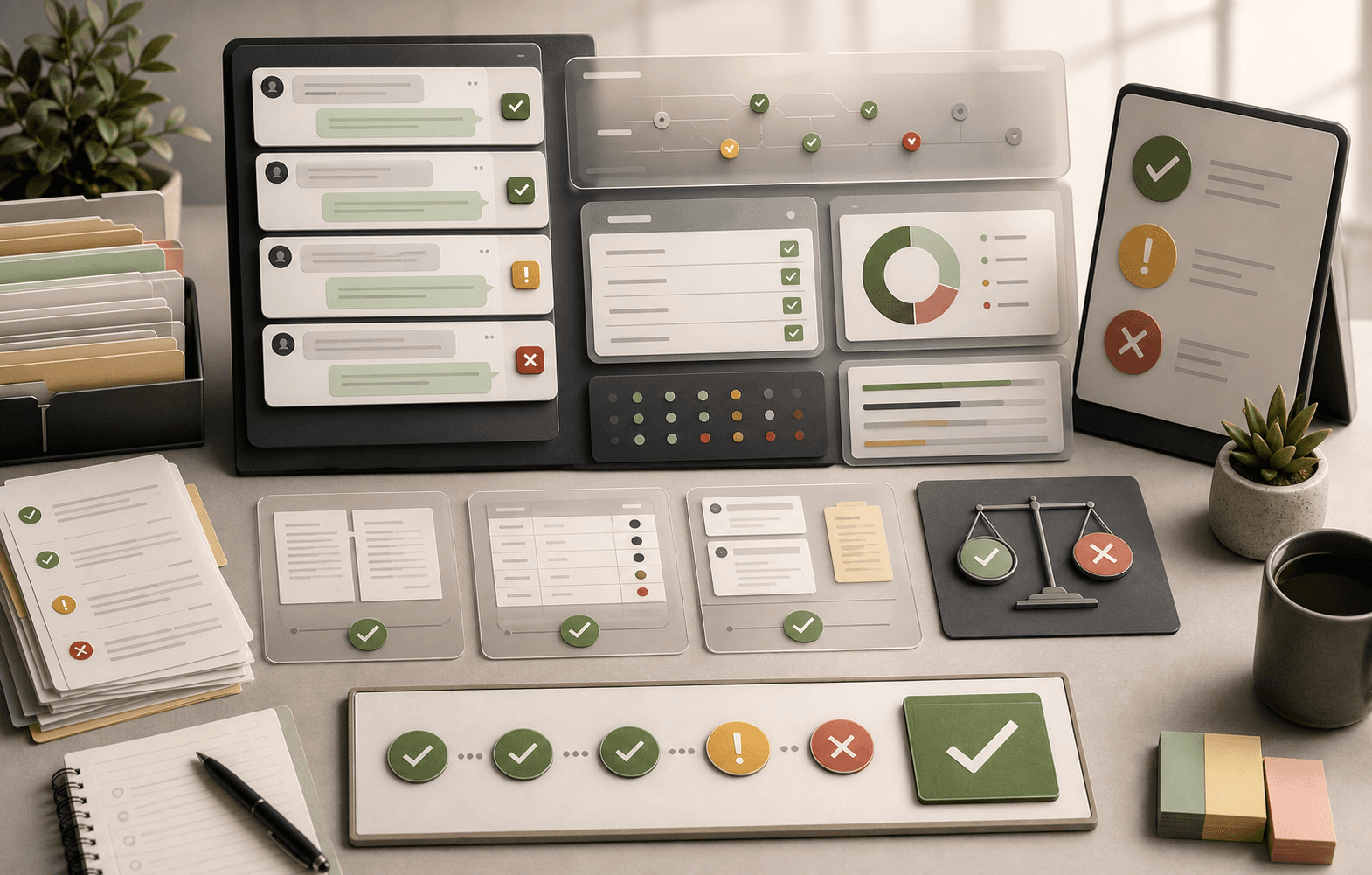
Testing workflow
How to Turn Support Tickets Into AI Test Scenarios
A guide for converting real support tickets into pre-launch AI test scenarios with source evidence, expected answer boundaries, and retest steps.
Support Readiness Lead, Meihaku · May 11, 2026
A useful testing loop starts with real failures, turns them into repeatable tests, and reruns them after fixes. Support teams can use that loop before launch with historical tickets instead of polished demo prompts.
The unit of work is a customer intent. Each test scenario should preserve the messy customer wording, attach source evidence, define the expected safe answer, and name the launch decision.
What this helps decide
Turn Ticket to AI Test Scenarios into launch scope.
Use this guide to decide which customer intents are approved for AI, which need restrictions, which need source cleanup, and which should stay human-owned.
Evidence used
Sources, policies, and support artifacts
- NIST: AI Risk Management Framework
- Intercom: Batch test Fin AI Agent
Review output
Approve, restrict, block, or hand off
- Scenario fields
- Launch decision
- Retest loop
How this guide was built
2 public references, 3 review areas
- Start from raw customer tickets
- Attach source evidence before writing expected answers
- Turn failures into retest prompts
Start from raw customer tickets
Export recent tickets, chats, and email threads from the queue the AI will touch first. Keep the customer's original phrasing because missing context, angry tone, typos, and bundled requests are what break support AI in production.
Group the tickets into specific intents. Billing is too broad. A customer asking why an annual renewal charged after cancellation is specific enough to source, test, approve, restrict, or block.
- Use the last 30 to 90 days of support conversations.
- Keep high-risk low-volume tickets in the set.
- Do not rewrite customer phrasing into clean prompts.
- Split broad tags into answerable intents.
Attach source evidence before writing expected answers
Every scenario needs a current source: help article, macro, SOP, policy, product page, security document, or approved answer. If no source exists, the correct test result is blocked, not model failure.
This is where Meihaku differs from pure runtime testing. The test scenario is not only a prompt. It is a prompt plus the evidence that makes an answer defensible.
- Source link and source owner.
- Customer-safe answer boundary.
- Required condition or exclusion.
- Human handoff trigger.
Turn failures into retest prompts
A failed scenario should create one of four actions: fix the source, restrict the intent, block the intent, or keep it human-owned. After the source changes, rerun the same customer phrasing.
That creates a production-to-test flywheel, but it starts earlier: the root cause may be the support knowledge, not the model.
- Failed answer.
- Root cause.
- Source fix.
- Retest prompt.
Checklist
Use this as the working review before launch.
Scenario fields
- Customer wording
- Customer intent
- Source evidence
- Expected safe answer
Launch decision
- Approved
- Restricted
- Blocked
- Human-only
Retest loop
- Owner
- Source change
- Rerun date
- Final decision
How Meihaku helps
Turn the checklist into a launch audit.
Meihaku reads your sources, maps them to customer intents, drafts cited answers, and shows which topics are cleared for AI, blocked, source-fix needed, or human-only.
Related guides
Keep clearing answers before launch.
These pages connect testing, knowledge-base cleanup, and readiness scoring into one pre-launch workflow.
Intercom Fin readiness
Intercom Fin Readiness Audit
Audit your Intercom Fin rollout before customers see it. See which intents are cleared for Fin, which need source cleanup, and which should stay human-only.
Vendor pageZendesk AI readiness
Zendesk AI Readiness Audit
Audit Zendesk Guide, macros, ticket history, and policy documents before Zendesk AI answers customers.
Vendor pageGorgias AI readiness
Gorgias AI Readiness Audit
Audit your Gorgias AI rollout before it handles refund, order, shipping, and product questions.
Vendor pageFreshdesk AI readiness
Freshdesk Freddy AI readiness audit
Use this readiness workflow to check whether Freshdesk solution articles, ticket patterns, Freddy AI Agent knowledge sources, and workflows can safely support AI answers.
Vendor pageSalesforce AI readiness
Salesforce Service Cloud AI readiness audit
Use this readiness workflow to check whether Salesforce Knowledge, Service Cloud cases, Agentforce actions, and support policies are safe for customer-facing AI.
Vendor pageHubSpot Customer Agent readiness
HubSpot Customer Agent readiness audit
Use this readiness workflow to check whether HubSpot content, public URLs, tickets, and Service Hub knowledge are ready to ground Breeze-powered customer agent answers.
Vendor pageAI support readiness template
AI support launch checklist
A vendor-neutral CSV checklist for deciding which customer intents are approved, restricted, blocked, or human-only before an AI support agent goes live.
TemplateAI agent testing template
AI agent testing framework
A vendor-neutral CSV template for testing customer-facing AI agents by intent, source evidence, policy fit, escalation behavior, reviewer workflow, and launch state.
TemplateAI support risk template
AI support risk register
A CSV risk register for support teams deciding which insurance, telehealth, ecommerce, and cross-industry customer intents can safely be automated.
TemplateAI agent testing
AI Agent Testing for Customer Support
A support-specific AI agent testing checklist for policy coverage, source citations, stale answers, escalation rules, and launch go/no-go decisions.
ReadAI agent testing tools
AI Agent Testing Tools
A buyer-focused guide to choosing AI agent testing tools for customer support teams, from agent QA and simulations to source-readiness review.
ReadRegression testing
AI Support Regression Testing
A regression testing guide for support teams that need to rerun risky customer intents after source, policy, or vendor changes.
ReadSample report
AI Support Readiness Sample Report
A sample report page for Meihaku: concrete support risk categories, launch states, source fixes, owners, and retest steps.
ReadCustomer service QA
Customer Service QA for AI Support
A practical guide for turning customer service QA into an AI support quality program that reviews source evidence, policy safety, escalation, and re-contact risk.
ReadFAQ
Common questions
How many support tickets should become AI tests?
Start with enough tickets to cover the top launch intents and the highest-risk exceptions. For many teams, 100 to 300 real questions is more useful than thousands of generic prompts.
Should we clean up ticket wording before testing?
No. Keep messy customer phrasing because that is what the AI will face after launch.
What if there is no source for a scenario?
Mark the intent blocked or source-fix-needed. Do not ask the model to invent the answer.
Sources
Vendor documentation and public references that ground the claims in this guide.