
AI agent testing tools
AI Agent Testing Tools: What Support Teams Need Before Launch
A buyer-focused guide to choosing AI agent testing tools for customer support teams preparing Intercom Fin, Zendesk AI, Gorgias AI, Agentforce, or custom agents.
Support Readiness Lead, Meihaku · May 9, 2026
AI agent testing tools are useful only if they help support leaders answer the launch question: which customer intents can the AI safely own, which need restrictions, and which must stay human-owned?
Generic evaluation tools often focus on model behavior, latency, or pass rates. Customer support teams need a more operational testing stack: historical tickets, source evidence, policy conflicts, escalation, reviewer notes, and a launch decision for each intent.
Use this guide when comparing tools for Intercom Fin, Zendesk AI, Salesforce Agentforce, Freshdesk Freddy AI, Gorgias AI, HubSpot Customer Agent, Kustomer AI, or a custom support agent.
Start with the testing job, not the tool category
The first mistake is treating AI agent testing tools as one category. Some tools test prompts. Some run model evaluations. Some monitor production conversations. Some help support teams audit source evidence before launch. Those jobs overlap, but they do not replace each other.
For support automation, the pre-launch job is specific: prove that the AI can answer real customer questions from current support sources, follow policy, escalate safely, and avoid creating unsupported promises. If a tool cannot help make that decision by customer intent, it is not enough for launch readiness.
- Prompt tests show whether one phrasing behaves as expected.
- Model evaluations show whether an answer matches a rubric.
- Runtime monitoring catches failures after customers see them.
- Readiness testing decides what the AI is allowed to answer before launch.
The support-specific testing framework
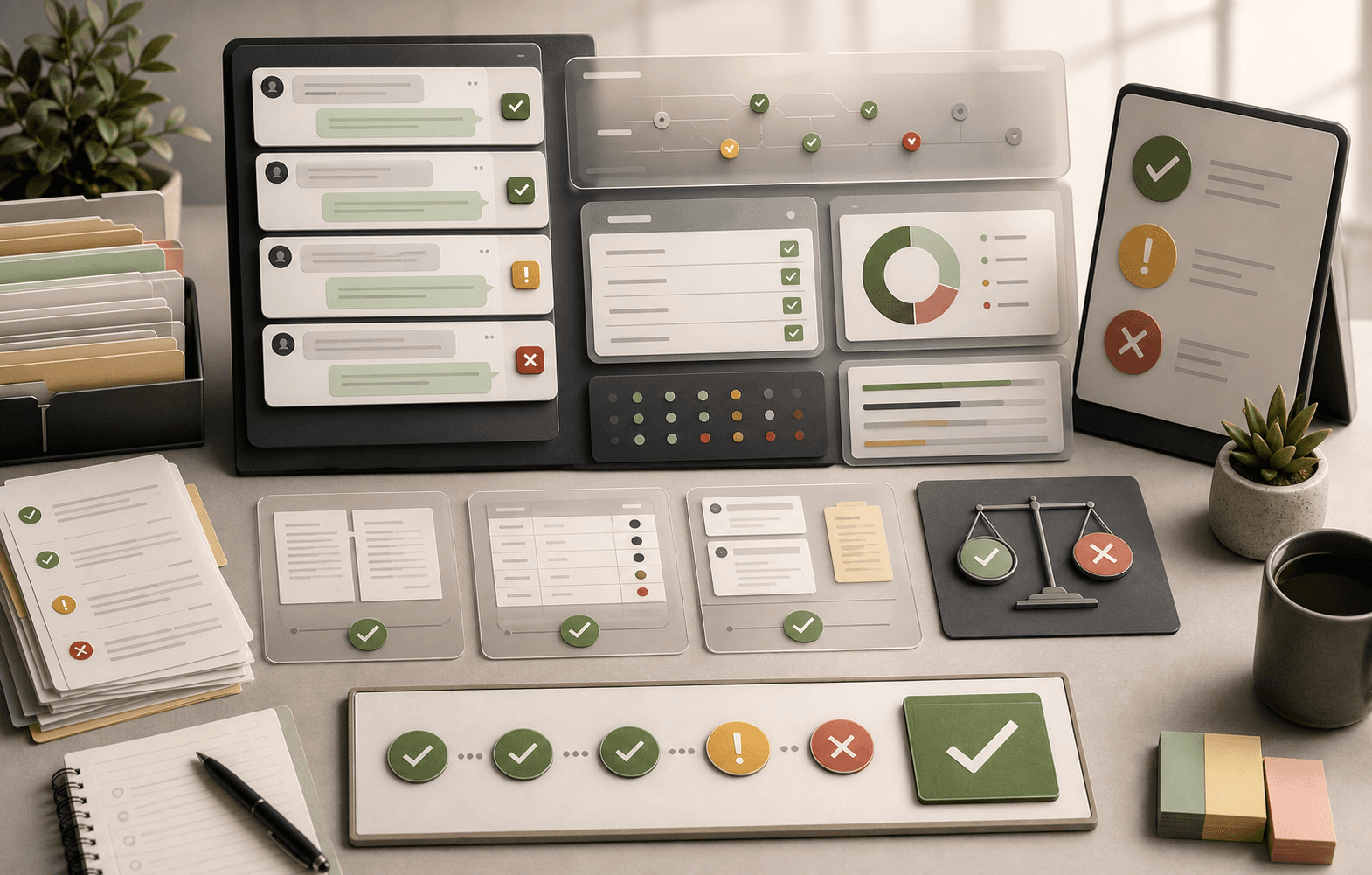
A practical AI agent testing framework for customer support has six layers: representative questions, source evidence, answer grading, escalation checks, reviewer workflow, and launch-state decisions. Missing any layer creates a blind spot.
The framework should produce an operational map rather than a pass-rate dashboard. A 92 percent pass rate is not useful if the failed 8 percent includes refunds, account access, data deletion, legal threats, or security document requests.
- Question coverage: recent tickets and high-risk edge cases.
- Source evidence: article, macro, SOP, policy, or approved answer.
- Answer grading: accuracy, conditions, policy fit, and tone.
- Escalation checks: when the AI must stop and hand off.
- Reviewer workflow: notes, owners, and retest history.
- Launch decision: approved, restricted, source-fix, blocked, or human-only.
What the tool must show reviewers
Support reviewers need to know why an answer passed or failed. A tool that returns only pass or fail forces reviewers to inspect conversations manually and guess whether the problem came from retrieval, source quality, policy ambiguity, or model behavior.
The minimum useful view shows the customer question, the answer, the source used, any source conflict, the risk category, the reviewer decision, and the next action. That turns testing into a launch-control workflow instead of a spreadsheet of opinions.
- The exact customer phrasing that was tested.
- The source or approved answer the AI relied on.
- Whether the source was current and customer-safe.
- The policy condition the answer needed to include.
- The handoff trigger for unsafe or incomplete cases.
- The reviewer decision and retest requirement.
How to compare AI agent testing tools
Compare tools against the risks support teams actually carry. A developer-focused evaluator may be strong at regression tests but weak at source ownership. A production monitor may catch wrong answers after launch but not tell the team which intents should have been blocked before launch.
The right stack can include more than one tool. Use readiness testing before launch, vendor-native testing for platform configuration, and runtime monitoring after launch. The mistake is assuming one pass-rate metric proves all three jobs.
- Can it ingest historical support questions?
- Can reviewers attach or inspect source evidence?
- Can it separate missing sources from bad model behavior?
- Can it mark restricted and human-only intents?
- Can it preserve reviewer decisions for audit and governance?
- Can it rerun the same tests after policy or source changes?
Use vendor-native tests, then add readiness review
Vendor-native tests are useful because they run inside the platform your team is configuring. They can reveal whether a specific agent uses the right sources, procedures, audiences, actions, or fallback path.
They still need a readiness layer around them. Support leaders need to decide whether the underlying article, macro, SOP, ticket pattern, and escalation rule are ready for any AI agent. A vendor can test how the agent behaves; the team still has to prove whether the source boundary is safe.
- Use vendor-native tests to validate platform behavior.
- Use readiness testing to validate source and policy safety.
- Use templates to make test sets repeatable.
- Use reviewer decisions to define launch scope.
What Meihaku covers in the testing stack
Meihaku sits in the readiness-testing layer. It helps support teams map customer intents to source evidence, find gaps and conflicts, draft cited answers, and decide which intents are approved, restricted, blocked, source-fix-needed, or human-only.
That makes it complementary to customer-facing AI agents and runtime monitors. The goal is not to replace the agent. The goal is to prevent the agent from answering topics that the support operation cannot yet defend.
- Source readiness by customer intent.
- Policy conflict and stale-source review.
- Launch-scope decisions before rollout.
- Checklist and CSV artifacts for repeatable review.
- Evidence trail for support, legal, security, and operations.
Checklist
Use this as the working review before launch.
Tool requirements
- Historical customer questions can be tested without rewriting them into clean prompts.
- Each answer can be reviewed against a specific source of truth.
- The tool distinguishes retrieval failure, source gap, policy conflict, and escalation failure.
- Reviewers can mark intents approved, restricted, blocked, source-fix-needed, or human-only.
Launch workflow
- High-risk topics are overweighted in the test set.
- Reviewer decisions are stored with owner and timestamp.
- The same test set can be rerun after source, policy, or vendor changes.
- The final output becomes the AI agent launch boundary.
Warning signs
- The tool reports only a pass rate.
- The tool cannot show which source supported the answer.
- The tool treats escalation as failure instead of safe behavior.
- The tool cannot separate customer-facing facts from internal-only guidance.
How Meihaku helps
Turn the checklist into a launch map.
Meihaku reads your sources, maps them to customer intents, drafts cited answers, and shows which topics are ready, stale, conflicting, or blocked.
Related guides
Keep building the launch boundary.
These pages connect testing, knowledge-base cleanup, and readiness scoring into one pre-launch workflow.
Intercom Fin readiness
Meihaku for Intercom Fin
Use Meihaku before and alongside Intercom Fin to decide which customer intents are safe to automate, which need source cleanup, and which should stay human-only.
Vendor pageZendesk AI readiness
Meihaku for Zendesk AI
Use Meihaku to audit whether Zendesk Guide, macros, ticket history, and policy documents are ready for Zendesk AI to answer customers.
Vendor pageSalesforce AI readiness
Salesforce Service Cloud AI readiness audit
Use this readiness workflow to check whether Salesforce Knowledge, Service Cloud cases, Agentforce actions, and support policies are safe for customer-facing AI.
Vendor pageFreshdesk AI readiness
Freshdesk Freddy AI readiness audit
Use this readiness workflow to check whether Freshdesk solution articles, ticket patterns, Freddy AI Agent knowledge sources, and workflows can safely support AI answers.
Vendor pageHubSpot Customer Agent readiness
HubSpot Customer Agent readiness audit
Use this readiness workflow to check whether HubSpot content, public URLs, tickets, and Service Hub knowledge are ready to ground Breeze-powered customer agent answers.
Vendor pageKustomer AI readiness
Kustomer AI readiness audit
Use this readiness workflow to check whether Kustomer knowledge, CRM context, customer history, and AI Agent workflows can safely support autonomous CX answers.
Vendor pageGorgias AI readiness
Meihaku for Gorgias AI
Use Meihaku to check whether ecommerce support knowledge is ready for Gorgias AI before it handles refund, order, shipping, and product questions.
Vendor pageGoogle Docs readiness
Meihaku for Google Docs
Use Meihaku to audit support policies, SOPs, macros, and FAQ documents stored in Google Drive before an AI support agent relies on them.
Vendor pageAI support readiness template
AI support launch checklist
A vendor-neutral CSV checklist for deciding which customer intents are approved, restricted, blocked, or human-only before an AI support agent goes live.
TemplateAI agent testing template
AI agent testing framework
A vendor-neutral CSV template for testing customer-facing AI agents by intent, source evidence, policy fit, escalation behavior, reviewer workflow, and launch state.
TemplateIntercom Fin testing template
Fin batch test CSV
A launch-ready question set for Intercom Fin Batch Test. Upload the question column, then grade each response against source fit, missing policy detail, and safe escalation.
TemplateZendesk AI checklist
Zendesk macro audit
A checklist for auditing Zendesk Guide, shared macros, ticket patterns, and internal policies before using AI suggestions or customer-facing automation.
TemplateGorgias AI checklist
Gorgias ecommerce checklist
A practical ecommerce test matrix for deciding which Gorgias AI intents are safe to automate and which need better guidance, source evidence, or human handoff.
TemplateAI agent testing framework
AI Agent Testing Framework
A practical framework for testing customer-facing AI support agents by intent, source evidence, policy fit, escalation behavior, and launch state.
ReadAI agent testing
AI Agent Testing for Customer Support
A support-specific AI agent testing checklist for policy coverage, source citations, stale answers, escalation rules, and launch go/no-go decisions.
ReadAI support readiness score
AI Support Readiness Score Methodology
A practical scoring method for support teams deciding whether their knowledge base, policies, tests, and handoff rules are ready for customer-facing AI.
ReadCustomer service QA
Customer Service QA for AI Support
A practical guide for turning customer service QA into an AI support quality program that reviews source evidence, policy safety, escalation, and re-contact risk.
ReadAI chatbot testing
AI Chatbot Testing Checklist
A practical chatbot testing checklist for support teams checking accuracy, policy safety, escalation, tone, and re-contact risk before launch.
ReadKnowledge-base audit
Knowledge Base AI Readiness Audit
A step-by-step AI knowledge base audit for finding stale articles, policy conflicts, missing intents, weak citations, and unsafe automation scope.
ReadHelpdesk AI comparison
Helpdesk AI Vendor Comparison
A practical helpdesk AI vendor comparison checklist for support teams choosing between native helpdesk AI, AI-first support agents, and custom automation.
ReadAI support compliance
AI Support Compliance Checklist
A practical compliance-readiness checklist for support, legal, security, and risk teams reviewing customer-facing AI support before launch.
ReadAI support readiness
AI Support Readiness Framework
A practical six-dimension framework for auditing knowledge, policies, testing, handoffs, owners, and metrics before an AI support agent answers customers.
ReadFAQ
Common questions
What are AI agent testing tools?
AI agent testing tools help teams test whether an AI agent behaves correctly before or after launch. For customer support, the useful tools also inspect source evidence, policy fit, escalation, reviewer decisions, and launch scope by customer intent.
What is the best AI agent testing framework for support?
Use a framework that covers representative questions, source evidence, answer grading, escalation checks, reviewer workflow, and launch decisions. The output should be approved, restricted, blocked, source-fix-needed, or human-only by intent.
Do AI agent testing tools replace vendor-native tests?
No. Vendor-native tests are useful for platform behavior. Readiness tools are useful for source, policy, and launch-scope review. Most support teams need both before broad rollout.
Should support teams test before or after launch?
Both. Pre-launch tests define what the AI is allowed to answer. Post-launch QA tracks wrong answers, re-contact, escalation quality, and source drift after real customers use the agent.