
Customer service QA
Customer Service QA for AI Support Agents
A practical guide for turning customer service QA into an AI support quality program that reviews source evidence, policy safety, escalation, and re-contact risk.
Support Readiness Lead, Meihaku · May 9, 2026
Customer service QA used to mean sampling human-agent conversations, scoring tone and process, then coaching the team. AI support changes the job. The QA program now has to review answers that come from models, retrieval systems, workflow rules, and source documents.
The central question is not whether the AI sounded helpful. It is whether the AI was allowed to answer, used the right source, included the right conditions, escalated at the right time, and avoided creating a customer-facing policy mistake.
Use this guide to adapt customer service quality assurance for AI support agents, whether the runtime agent is Intercom Fin, Zendesk AI, Gorgias AI, Decagon, Sierra, or a custom support stack.
If your team calls the function support QA, CX QA, or call center quality assurance, the same operating shift applies: keep the human scorecard, then add source evidence and launch-scope decisions.
What changes when QA reviews an AI support agent
Human-agent QA usually starts with a transcript. AI support QA has to start one layer earlier: the source boundary. A human agent can remember a new policy, ask a teammate, or judge when a case is unusual. An AI support agent needs the right source material and an explicit rule for when to stop.
That changes the scorecard. Tone still matters, but tone is not the launch blocker. The higher-risk checks are source grounding, policy fit, escalation, privacy, account-specific judgment, and whether the answer would survive review by a support lead.
The unit of review should be the customer intent. A single answer can look good in isolation while the intent remains unsafe because the help article is stale, the macro says something different, or the escalation path is missing.
- Score the source boundary before scoring the sentence.
- Review by customer intent, not only by transcript.
- Treat safe escalation as a passing outcome.
- Separate answer quality from launch permission.
Build an AI support QA scorecard
A useful AI support QA scorecard should be short enough to use every week and strict enough to catch wrong-answer risk. Keep the scoring dimensions tied to what customers and support leaders actually experience.
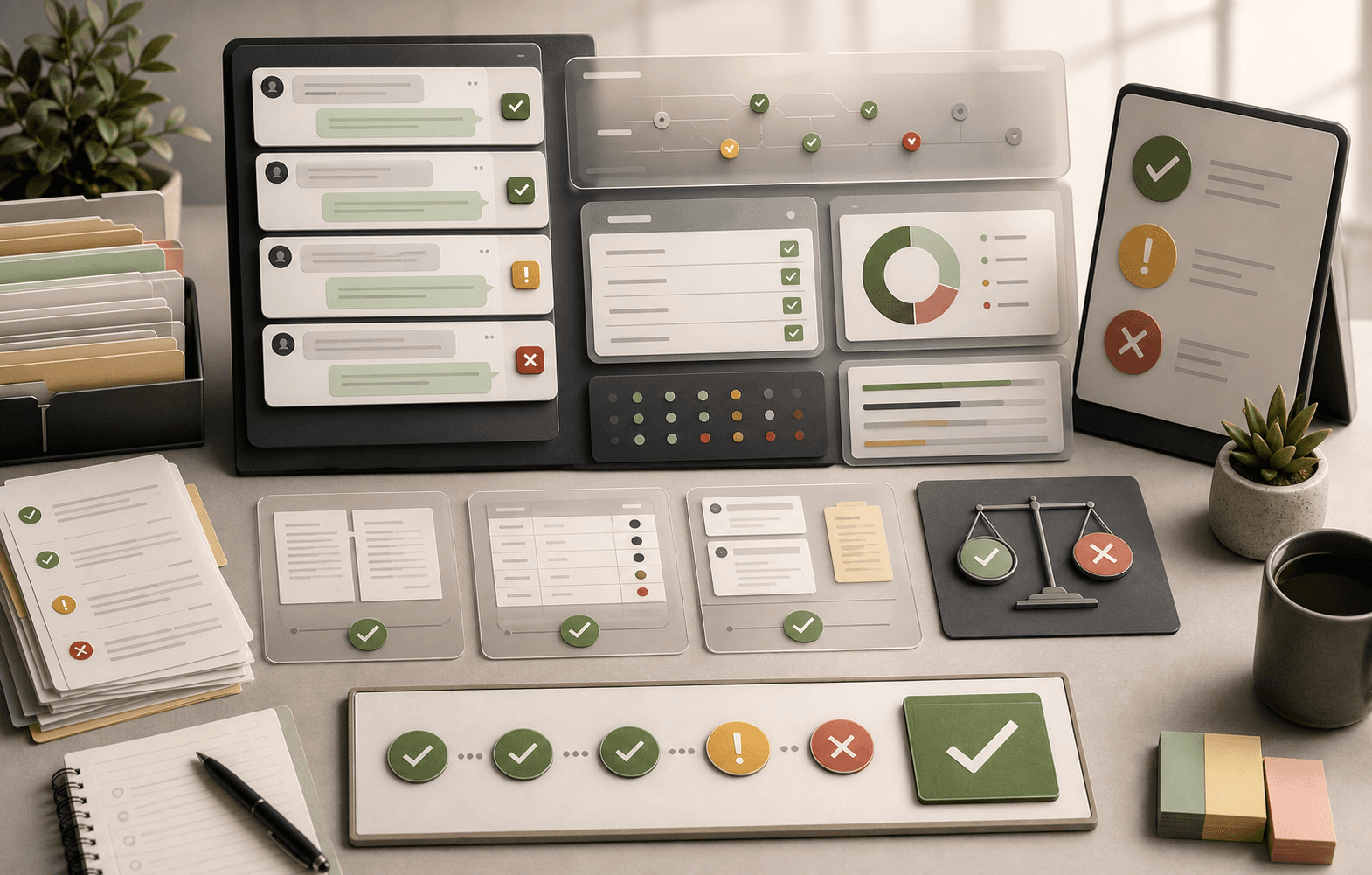
Start with eight checks: intent match, answer accuracy, source evidence, policy conditions, escalation, privacy, tone, and resolution. This should sit beside your existing customer service quality assurance scorecard rather than replace it.
Then add a launch decision: approved, restricted, blocked, or source-fix needed.
This extra decision matters. A response can score well on tone and accuracy but still be restricted because the answer depends on plan, region, customer tier, order status, identity verification, or a human approval step.
- Intent match: the AI answered the right question.
- Accuracy: the answer is correct today.
- Source evidence: the answer traces to the right source.
- Policy fit: conditions and exclusions are present.
- Escalation: unsafe or unsupported work goes to a human.
- Resolution: the customer should not need to re-contact support.
Sample AI support QA rubric
The QA rubric below works for both pre-launch testing and post-launch review. The exact labels can change, but the operating idea should not: every reviewed AI answer needs both a quality score and a scope decision.
Approved means the intent is source-backed, low-risk, and safe for the AI to handle inside the current boundary. Restricted means the AI can answer only after a required check, such as plan, region, account state, order status, or customer tier.
Blocked means the AI should not answer because the source is missing, stale, conflicting, private, or too risky. Source fix means the answer might become automatable after the knowledge owner updates the article, macro, SOP, or policy.
- Approved: current source, complete answer, no judgment required.
- Restricted: safe only with explicit context checks.
- Blocked: hand off until the source or workflow is fixed.
- Source fix: update the source, then retest the same intent.
Review source evidence, not just transcripts
Transcript review tells you what the customer saw. Source review tells you why the AI produced it. AI support QA needs both. Without source evidence, reviewers are forced to judge whether an answer sounds plausible.
For every high-risk reviewed answer, capture the source used: help article, macro, SOP, policy document, Google Doc, ticket pattern, product catalog, or approved answer. Then ask whether that source contains the exact condition the AI mentioned.
This is where knowledge-base drift shows up. A public article may say one thing, a macro may say another, and a Google Doc may contain the current internal exception. The QA finding should not be 'bad bot'. It should name the source problem.
- Attach source evidence to every high-risk QA sample.
- Flag wrong-source, stale-source, and no-source failures separately.
- Keep internal-only notes out of customer-facing automation.
- Assign source-fix owners for repeated failures.
Separate AI QA from deflection reporting
Deflection is not a QA metric by itself. A customer can be deflected because the answer solved the issue, because the customer gave up, or because the next ticket was filed under a different contact reason.
AI support QA should pair deflection with verified resolution, re-contact, wrong-answer review, and escalation quality. The question is whether the AI resolved the customer's problem inside the approved support boundary.
A practical QA dashboard should show approved-resolution rate, wrong-answer rate, 48-hour or 72-hour re-contact, human override rate, escalation success, and source-fix backlog by intent.
- Measure verified resolution, not deflection alone.
- Track re-contact after AI-handled conversations.
- Review human overrides as QA evidence.
- Group repeated misses by customer intent.
Use QA to govern launch expansion
The first AI support launch should not be the whole queue. QA should decide expansion by intent. Low-risk, source-backed intents can move faster. Billing, cancellation, account access, refunds, regulated topics, and high-cost exceptions need stricter review.
Weekly QA review should produce operating decisions: promote this intent, restrict this one, block that one, fix these sources, and retest after the policy update. That turns QA into the governance loop for AI support.
The same loop applies after launch. When a new product ships, a policy changes, a macro is rewritten, or a vendor model updates, affected intents should go back through the QA rubric before broad automation expands.
- Approve low-risk, source-backed intents first.
- Restrict topics that need customer context.
- Block judgment-heavy or policy-conflicted topics.
- Retest after product, policy, source, or model changes.
Coach humans and fix systems
Traditional QA often ends with agent coaching. AI support QA needs two paths: human coaching and system repair. Sometimes the issue is a poor handoff to a human. Sometimes it is a missing source, bad retrieval, stale macro, or unsupported workflow.
Do not turn every AI failure into prompt work. If the source is wrong, fix the source. If the source is missing, create the source. If the policy needs judgment, keep the topic human-owned. If the handoff lacks context, fix the workflow.
The strongest QA programs treat each reviewed failure as a routing decision. Is this a content issue, policy issue, workflow issue, vendor configuration issue, model behavior issue, or human coaching issue?
- Content issue: update help article, macro, SOP, or Google Doc.
- Policy issue: choose the canonical answer and owner.
- Workflow issue: improve handoff context and escalation triggers.
- Configuration issue: adjust source access or automation scope.
- Coaching issue: train humans on the new AI-human boundary.
Checklist
Use this as the working review before launch.
Scorecard checks
- Intent match is correct.
- Answer is accurate against the current source.
- Source citation supports the exact condition stated.
- Escalation happens when the source is missing or risky.
- Resolution is verified through re-contact or follow-up review.
Launch decisions
- Approved intents have current source evidence and owner.
- Restricted intents list the required context check.
- Blocked intents have a human handoff path.
- Source-fix items have a named knowledge owner.
- Retest cadence is defined after policy or product changes.
QA metrics
- Wrong-answer rate by intent.
- 48-hour or 72-hour re-contact after AI conversations.
- Human override and escalation success rate.
- AI-only CSAT or customer feedback sample.
- Source-fix backlog by owner and risk.
How Meihaku helps
Turn the checklist into a launch map.
Meihaku reads your sources, maps them to customer intents, drafts cited answers, and shows which topics are ready, stale, conflicting, or blocked.
Related guides
Keep building the launch boundary.
These pages connect testing, knowledge-base cleanup, and readiness scoring into one pre-launch workflow.
Zendesk AI readiness
Meihaku for Zendesk AI
Use Meihaku to audit whether Zendesk Guide, macros, ticket history, and policy documents are ready for Zendesk AI to answer customers.
Vendor pageIntercom Fin readiness
Meihaku for Intercom Fin
Use Meihaku before and alongside Intercom Fin to decide which customer intents are safe to automate, which need source cleanup, and which should stay human-only.
Vendor pageSalesforce AI readiness
Salesforce Service Cloud AI readiness audit
Use this readiness workflow to check whether Salesforce Knowledge, Service Cloud cases, Agentforce actions, and support policies are safe for customer-facing AI.
Vendor pageFreshdesk AI readiness
Freshdesk Freddy AI readiness audit
Use this readiness workflow to check whether Freshdesk solution articles, ticket patterns, Freddy AI Agent knowledge sources, and workflows can safely support AI answers.
Vendor pageHubSpot Customer Agent readiness
HubSpot Customer Agent readiness audit
Use this readiness workflow to check whether HubSpot content, public URLs, tickets, and Service Hub knowledge are ready to ground Breeze-powered customer agent answers.
Vendor pageKustomer AI readiness
Kustomer AI readiness audit
Use this readiness workflow to check whether Kustomer knowledge, CRM context, customer history, and AI Agent workflows can safely support autonomous CX answers.
Vendor pageGorgias AI readiness
Meihaku for Gorgias AI
Use Meihaku to check whether ecommerce support knowledge is ready for Gorgias AI before it handles refund, order, shipping, and product questions.
Vendor pageHelp Scout AI readiness
Help Scout AI readiness audit
Use this readiness workflow to check whether Help Scout Docs, AI Answers knowledge sources, Beacon flows, and support conversations are safe for customer-facing AI.
Vendor pageFront AI readiness
Front AI readiness audit
Use this readiness workflow to review whether Front knowledge base content and customer conversation history can safely ground AI support answers.
Vendor pageNotion readiness
Notion support knowledge readiness audit
Use this readiness workflow when support policies, SOPs, FAQs, release notes, and escalation guidance live in Notion before AI support launch.
Vendor pageConfluence readiness
Confluence support knowledge readiness audit
Use this readiness workflow when support policies, troubleshooting articles, SOPs, and internal knowledge base spaces live in Confluence.
Vendor pageGoogle Docs readiness
Meihaku for Google Docs
Use Meihaku to audit support policies, SOPs, macros, and FAQ documents stored in Google Drive before an AI support agent relies on them.
Vendor pageAI support readiness template
AI support launch checklist
A vendor-neutral CSV checklist for deciding which customer intents are approved, restricted, blocked, or human-only before an AI support agent goes live.
TemplateZendesk AI checklist
Zendesk macro audit
A checklist for auditing Zendesk Guide, shared macros, ticket patterns, and internal policies before using AI suggestions or customer-facing automation.
TemplateIntercom Fin testing template
Fin batch test CSV
A launch-ready question set for Intercom Fin Batch Test. Upload the question column, then grade each response against source fit, missing policy detail, and safe escalation.
TemplateGorgias AI checklist
Gorgias ecommerce checklist
A practical ecommerce test matrix for deciding which Gorgias AI intents are safe to automate and which need better guidance, source evidence, or human handoff.
TemplateAI agent testing
AI Agent Testing for Customer Support
A support-specific AI agent testing checklist for policy coverage, source citations, stale answers, escalation rules, and launch go/no-go decisions.
ReadAI support compliance
AI Support Compliance Checklist
A practical compliance-readiness checklist for support, legal, security, and risk teams reviewing customer-facing AI support before launch.
ReadHelpdesk AI comparison
Helpdesk AI Vendor Comparison
A practical helpdesk AI vendor comparison checklist for support teams choosing between native helpdesk AI, AI-first support agents, and custom automation.
ReadAI chatbot testing
AI Chatbot Testing Checklist
A practical chatbot testing checklist for support teams checking accuracy, policy safety, escalation, tone, and re-contact risk before launch.
ReadKnowledge-base audit
Knowledge Base AI Readiness Audit
A step-by-step AI knowledge base audit for finding stale articles, policy conflicts, missing intents, weak citations, and unsafe automation scope.
ReadZendesk AI testing
How to Test Zendesk AI
A Zendesk AI pre-launch testing workflow for support teams that need to prove Guide coverage, macro alignment, escalation behavior, and post-launch QA before customer exposure.
ReadAI support hallucinations
AI Support Hallucination Examples
A support-specific breakdown of public AI chatbot failures and the readiness controls that prevent policy invention, unsafe handoffs, and brand-damaging answers.
ReadAI support readiness
AI Support Readiness Framework
A practical six-dimension framework for auditing knowledge, policies, testing, handoffs, owners, and metrics before an AI support agent answers customers.
ReadFAQ
Common questions
How is AI support QA different from traditional customer service QA?
Traditional QA reviews human-agent behavior. AI support QA also reviews source evidence, retrieval, policy boundaries, escalation rules, and whether the AI should have answered the intent at all.
What should be on an AI support QA scorecard?
Include intent match, accuracy, source evidence, policy conditions, privacy, escalation, tone, resolution, and a launch decision such as approved, restricted, blocked, or source-fix needed.
Is deflection enough to measure AI support quality?
No. Deflection should be paired with verified resolution, re-contact rate, wrong-answer review, escalation success, and human override review.
Who should own AI support QA?
Support operations usually owns the weekly QA loop, with knowledge owners, legal, security, compliance, and product involved for high-risk or policy-changing intents.
Can Meihaku replace Zendesk QA or other QA tools?
No. Meihaku is the readiness layer. QA tools can review conversations at scale; Meihaku focuses on source evidence, approved intent scope, conflicts, and launch readiness before and alongside runtime QA.
Sources
Vendor documentation and public references that ground the claims in this guide.