
Zendesk AI testing
How to Test Zendesk AI Before Launch
A Zendesk AI pre-launch testing workflow for support teams that need to prove Guide coverage, macro alignment, escalation behavior, and post-launch QA before customer exposure.
Support Readiness Lead, Meihaku · May 9, 2026
Testing Zendesk AI before launch should prove more than whether an AI agent can reply in a test widget. Support leaders need to know whether Zendesk Guide, macros, ticket history, use cases, actions, and escalation rules support the answers customers will see.
Zendesk gives teams several native testing surfaces, including the Test AI agent button, advanced AI agent test widgets, conversation logs, and AI agent tickets. The missing operating layer is the launch decision by customer intent: approved, restricted, blocked, or source-fix needed.
Use this workflow when preparing Zendesk AI agents, advanced AI agents, suggested macros, or a broader Zendesk support AI rollout.
Start with the Zendesk launch boundary
Do not begin by asking whether Zendesk AI is good enough for the whole support queue. Begin by defining which customer intents you plan to expose: account access, billing, cancellations, refunds, order changes, warranty, troubleshooting, security, or simple how-to questions.
Each intent needs a source owner and a launch decision. Approved intents have current Guide or policy evidence. Restricted intents can be answered only under clear conditions. Blocked intents need a human, a source fix, or a workflow change before automation.
This is also where macros matter. In many Zendesk teams, macros hold the working answer agents actually use while Guide holds the public answer customers can see. If those disagree, Zendesk AI can inherit the conflict.
- Group recent tickets by customer intent before writing test prompts.
- Mark high-risk billing, access, security, and legal topics before testing.
- Compare Zendesk Guide, shared macros, internal notes, and policy docs.
- Assign approve, restrict, block, or source-fix status by intent.
Use Zendesk testing tools, then add source review
Zendesk documents the Test AI agent button for checking behavior before an AI agent reaches customers. That native test can show standard responses, AI-generated replies, persona, instructions, language support, and trigger behavior.
For advanced AI agents, Zendesk recommends testing in a CRM-connected test environment where possible, then using the Test AI agent button when that is the available option. Advanced AI agent test widgets can simulate end-to-end dialogue flows and record test conversations in conversation logs.
Meihaku's role sits around that native test: take the answers produced in Zendesk testing, attach the Guide article, macro, SOP, or policy evidence behind each answer, and decide whether the intent is safe for launch.
- Run native Zendesk tests for behavior and conversation flow.
- Record which source each answer depends on.
- Flag answers that sound correct but omit conditions or exceptions.
- Treat test-widget limitations as reasons to run a second source review.
Test Guide coverage and macro alignment together
A Zendesk AI audit should not review Guide in isolation. Guide articles, macros, ticket tags, internal policies, and escalation notes all shape what the support operation believes is true.
For each high-volume intent, check whether the public article contains the full customer-facing answer. Then compare the most-used macros and recent tickets. If agents routinely add conditions that the article omits, the AI should not be cleared to answer that intent yet.
For each high-risk intent, include the edge cases even if ticket volume is low. Refund exceptions, plan changes, account access, security, data requests, and legal threats should be tested before customers discover the gap.
- Pair every Guide article with the macros agents actually use.
- Look for stale refund windows, missing eligibility rules, and hidden exceptions.
- Use ticket history to find messy phrasing and multi-intent questions.
- Keep unsupported macro-only knowledge out of customer-facing automation.
Review AI agent tickets after pilot runs
Zendesk AI agent tickets give teams a way to audit conversations that were handled by an AI agent or basic messaging response without human involvement. Zendesk describes these tickets as useful for analyzing responses and checking automated resolutions.
That post-launch or pilot signal is valuable, but it should not be treated as the first QA step. Use AI agent tickets to catch missed intents, weak escalation, and overconfident answers after a controlled rollout, then feed those findings back into the pre-launch source map.
A good review separates failure types: the answer used the wrong source, the source was missing, the macro and Guide article conflicted, the AI skipped a required action, or the escalation path failed.
- Sample AI-agent-only tickets by intent and risk level.
- Track wrong answer, weak handoff, missing source, and source conflict separately.
- Confirm automated resolutions were actually resolved, not just closed.
- Retest changed intents before expanding Zendesk AI coverage.
What should block Zendesk AI launch
A Zendesk AI answer should be blocked when the source does not exist, the source is stale, the answer depends on account-specific judgement, or Guide and macros disagree on material conditions.
Launch should also pause when the AI cannot escalate cleanly. Zendesk testing can validate fallback and escalation behavior, but support leaders still need to decide which intents are safe to automate and which must remain human-owned.
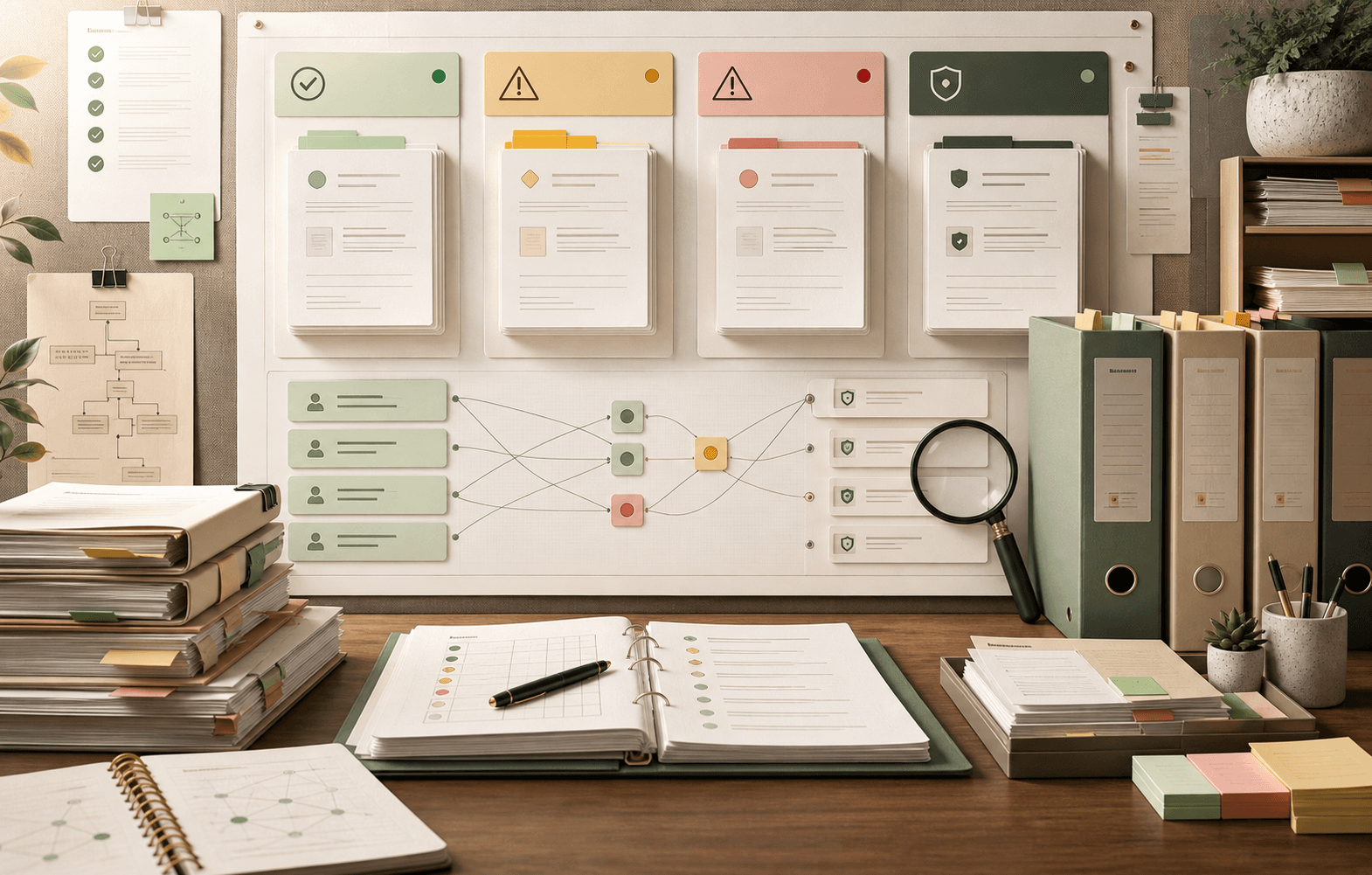
The practical launch artifact is a readiness map: approved intents, restricted intents with conditions, blocked intents with owners, and source-fix items that need Guide, macro, or policy cleanup.
- Missing or stale Guide article.
- Guide and macro conflict on policy conditions.
- Account-specific judgement or security-sensitive action.
- Escalation, trigger, or CRM action not tested end to end.
Checklist
Use this as the working review before launch.
Before testing
- Export recent Zendesk tickets by contact reason, tag, or macro usage.
- Pick the top customer intents plus lower-volume high-risk intents.
- Attach Guide, macro, SOP, or policy evidence to each intent.
- Mark intents that require account-specific judgement or human approval.
During testing
- Run Zendesk's native AI agent test for behavior, persona, instructions, language, and trigger paths.
- Run messy customer phrasing from ticket history, not polished demo prompts.
- Grade each answer for source fit, policy conditions, escalation, completeness, and tone.
- Record whether failures come from Zendesk configuration, source quality, or unresolved policy ownership.
Launch decision
- Approve only source-backed intents with clear conditions.
- Restrict intents that need customer segment, plan, region, or account-state checks.
- Block source conflicts and human-judgement topics.
- Use AI agent ticket review and conversation logs to retest after pilot launch.
How Meihaku helps
Turn the checklist into a launch map.
Meihaku reads your sources, maps them to customer intents, drafts cited answers, and shows which topics are ready, stale, conflicting, or blocked.
Related guides
Keep building the launch boundary.
These pages connect testing, knowledge-base cleanup, and readiness scoring into one pre-launch workflow.
Zendesk AI readiness
Meihaku for Zendesk AI
Use Meihaku to audit whether Zendesk Guide, macros, ticket history, and policy documents are ready for Zendesk AI to answer customers.
Vendor pageIntercom Fin readiness
Meihaku for Intercom Fin
Use Meihaku before and alongside Intercom Fin to decide which customer intents are safe to automate, which need source cleanup, and which should stay human-only.
Vendor pageGoogle Docs readiness
Meihaku for Google Docs
Use Meihaku to audit support policies, SOPs, macros, and FAQ documents stored in Google Drive before an AI support agent relies on them.
Vendor pageZendesk AI checklist
Zendesk macro audit
A checklist for auditing Zendesk Guide, shared macros, ticket patterns, and internal policies before using AI suggestions or customer-facing automation.
TemplateAI agent testing
AI Agent Testing for Customer Support
A support-specific AI agent testing checklist for policy coverage, source citations, stale answers, escalation rules, and launch go/no-go decisions.
ReadCustomer service QA
Customer Service QA for AI Support
A practical guide for turning customer service QA into an AI support quality program that reviews source evidence, policy safety, escalation, and re-contact risk.
ReadAI support compliance
AI Support Compliance Checklist
A practical compliance-readiness checklist for support, legal, security, and risk teams reviewing customer-facing AI support before launch.
ReadKnowledge-base audit
Knowledge Base AI Readiness Audit
A step-by-step AI knowledge base audit for finding stale articles, policy conflicts, missing intents, weak citations, and unsafe automation scope.
ReadAI support hallucinations
AI Support Hallucination Examples
A support-specific breakdown of public AI chatbot failures and the readiness controls that prevent policy invention, unsafe handoffs, and brand-damaging answers.
ReadVendor rollout comparison
Intercom Fin vs Zendesk AI Rollout
A practical comparison for support teams deciding how to test and govern Intercom Fin or Zendesk AI before customer-facing rollout.
ReadFAQ
Common questions
How do we test Zendesk AI before launch?
Use Zendesk's native test tools to check behavior and conversation flow, then review each answer against Guide articles, macros, ticket history, policy docs, escalation rules, and launch decisions by customer intent.
Is the Zendesk Test AI agent button enough?
It is useful, but not enough by itself. Support teams still need to validate source evidence, macro conflicts, high-risk edge cases, and whether each intent should be approved, restricted, blocked, or fixed before launch.
What Zendesk sources should be audited for AI readiness?
Audit Zendesk Guide articles, shared macros, recent tickets, ticket tags, internal policy docs, escalation notes, use cases, actions, and conversation logs from pilot testing.
Can AI agent tickets help with Zendesk AI QA?
Yes. AI agent tickets help teams audit AI-handled conversations and automated resolutions after pilot or launch, but they should feed back into a pre-launch readiness map rather than replace source review.
What should block Zendesk AI from answering customers?
Block an intent when the source is missing or stale, Guide and macros conflict, the answer requires account-specific judgement, or escalation and CRM actions have not been tested end to end.
Sources
Vendor documentation and public references that ground the claims in this guide.