
Intercom Fin testing
How to Test Intercom Fin Before Launch
A practical Intercom Fin pre-launch testing workflow for support teams that need to prove source coverage, procedures, and escalation before customers see answers.
Support Readiness Lead, Meihaku · May 9, 2026
Testing Intercom Fin before launch is not a prompt-writing exercise. It is a launch-boundary exercise: which customer intents can Fin answer with current source evidence, and which intents still need cleanup or human ownership?
Intercom Batch Test gives teams a way to run real customer questions before deployment. Meihaku adds the support-readiness layer around that run: source coverage, policy conflicts, procedure triggers, and pass, restrict, or block decisions by intent.
Start with the launch boundary
Before opening Batch Test, write down what Fin is allowed to answer on day one. Keep the first boundary narrow: common how-to questions, low-risk billing explanations, simple account navigation, and topics with one current source of truth.
Then list what Fin should not answer yet. This usually includes refunds with exceptions, contract changes, access recovery, security requests, legal language, reseller billing, high-value accounts, and anything where agents still use private judgement.
- Allowed: simple, source-backed intents.
- Restricted: policy topics with segment or plan conditions.
- Blocked: missing source, source conflict, or unsafe judgement.
- Human-only: legal, security, payment, and account ownership risk.
Build the question set from real support data
Use recent conversations and topic groups first because they reflect the language customers actually use. Then add a CSV group for the edge cases that may not appear often but define launch risk: cancellation timing, billing exceptions, admin access, data deletion, and escalation requests.
Intercom supports question generation from past conversations, topic-based question groups, manual questions, and CSV upload. A strong pre-launch run uses more than one method: real conversation phrasing for coverage, and curated CSV questions for risk.
- Keep messy customer wording.
- Add multi-intent questions, not only clean FAQs.
- Separate test groups by brand, audience, region, or plan.
- Retain the same group for regression testing after source edits.
Inspect the source and automation path
A Fin answer should not pass because it sounds reasonable. It passes when it used the right help article, snippet, guidance, procedure, data connector, custom answer, or automation path for the customer intent.
Record source failures separately from writing failures. If Fin used the wrong article, the fix is source routing or content cleanup. If it used the right source but skipped a condition, the fix may be guidance, procedure logic, or a clearer article.
- Correct source selected.
- Material conditions included.
- Procedure triggers only for the intended intent.
- Connector and automation failures have fallback behavior.
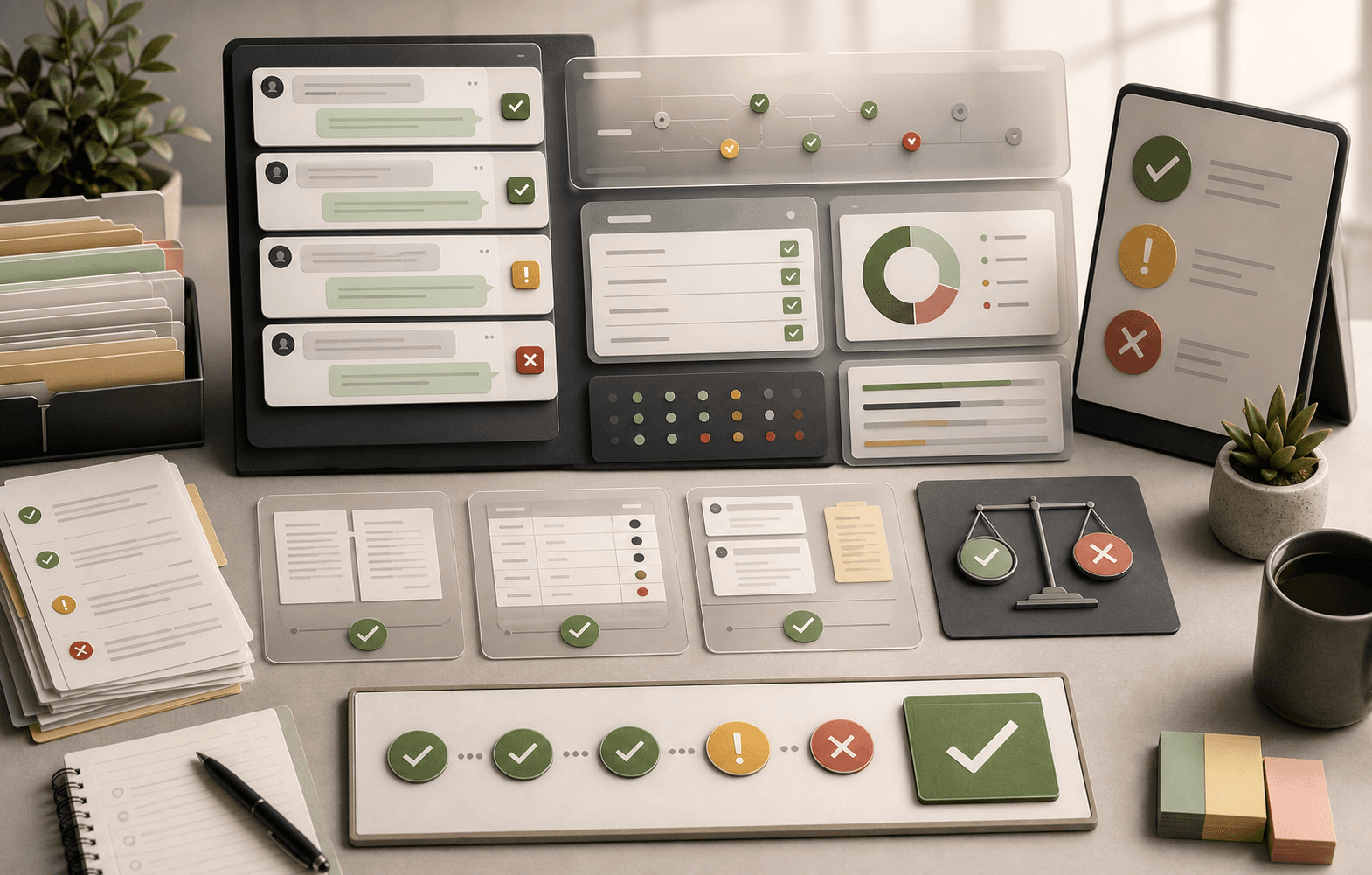
Grade each answer as approve, restrict, or block
Do not collapse the result into good or bad. The launch decision needs more nuance. An answer can be accurate but still restricted because it depends on plan, audience, region, account status, or a human approval step.
Approve only when the answer is current, complete, cited, and safe for the chosen audience. Restrict when Fin should ask a clarifying question or hand off under specific conditions. Block when the source is missing, conflicting, stale, or too risky for automation.
- Approve: source-backed and safe.
- Restrict: answer only under clear conditions.
- Block: missing, stale, or conflicting source.
- Human-only: high judgement or exposure.
Retest after every source or procedure change
The first test run is only useful if the team re-runs it after fixes. Keep stable Batch Test groups for top intents, high-risk intents, and newly changed policies. When a help article, snippet, guidance rule, procedure, connector, or automation changes, rerun the affected group before expanding Fin's scope.
Meihaku turns the retest into an approved-intent map. The support team can see which intents moved from blocked to approved, which remain restricted, and which should stay out of automation until the underlying source is defensible.
Checklist
Use this as the working review before launch.
Prepare
- Define allowed, restricted, and blocked launch topics.
- Collect recent conversations from the last 30-90 days.
- Add curated CSV questions for billing, access, policy, and security edge cases.
- Choose the audience, brand, plan, and language settings to test.
Run
- Use Batch Test groups instead of one-off prompts.
- Inspect the source, guidance, procedure, and automation path behind each answer.
- Mark wrong-source, missing-condition, and escalation failures separately.
- Record reviewer notes so the same question can be rerun after fixes.
Decide
- Approve only cited, complete, low-risk intents.
- Restrict intents that need customer attributes or clarifying questions.
- Block intents with missing or conflicting source evidence.
- Keep human-only ownership for legal, security, and account-control requests.
How Meihaku helps
Turn the checklist into a launch map.
Meihaku reads your sources, maps them to customer intents, drafts cited answers, and shows which topics are ready, stale, conflicting, or blocked.
Related guides
Keep building the launch boundary.
These pages connect testing, knowledge-base cleanup, and readiness scoring into one pre-launch workflow.
Intercom Fin readiness
Meihaku for Intercom Fin
Use Meihaku before and alongside Intercom Fin to decide which customer intents are safe to automate, which need source cleanup, and which should stay human-only.
Vendor pageZendesk AI readiness
Meihaku for Zendesk AI
Use Meihaku to audit whether Zendesk Guide, macros, ticket history, and policy documents are ready for Zendesk AI to answer customers.
Vendor pageIntercom Fin testing template
Fin batch test CSV
A launch-ready question set for Intercom Fin Batch Test. Upload the question column, then grade each response against source fit, missing policy detail, and safe escalation.
TemplateAI support hallucinations
AI Support Hallucination Examples
A support-specific breakdown of public AI chatbot failures and the readiness controls that prevent policy invention, unsafe handoffs, and brand-damaging answers.
ReadIntercom Fin checklist
Intercom Fin Testing Checklist
A checklist for support and CX teams preparing Intercom Fin: what to test, what to inspect, and what should block customer-facing rollout.
ReadAI agent testing
AI Agent Testing for Customer Support
A support-specific AI agent testing checklist for policy coverage, source citations, stale answers, escalation rules, and launch go/no-go decisions.
ReadAI chatbot testing
AI Chatbot Testing Checklist
A practical chatbot testing checklist for support teams checking accuracy, policy safety, escalation, tone, and re-contact risk before launch.
ReadFAQ
Common questions
What is the best way to test Intercom Fin before launch?
Use Batch Test with real conversation questions, topic-based groups, and curated CSV edge cases. Grade each result against source evidence, policy fit, completeness, escalation, and launch decision.
How many Intercom Fin questions should we test?
Start with 30-50 questions per test group, then create separate groups for high-volume intents, high-risk intents, regions, plans, and brands when the answer changes by segment.
Should Intercom Fin answer every topic it can answer?
No. Some answers can be technically correct but still unsafe to automate because they depend on account context, legal exposure, security risk, or a judgement-heavy exception.
Sources
Vendor documentation and public references that ground the claims in this guide.